You bring
Sheet names, row data, and an output path.
You make
An .xlsx workbook in your project with the sheets and rows you passed.
You check
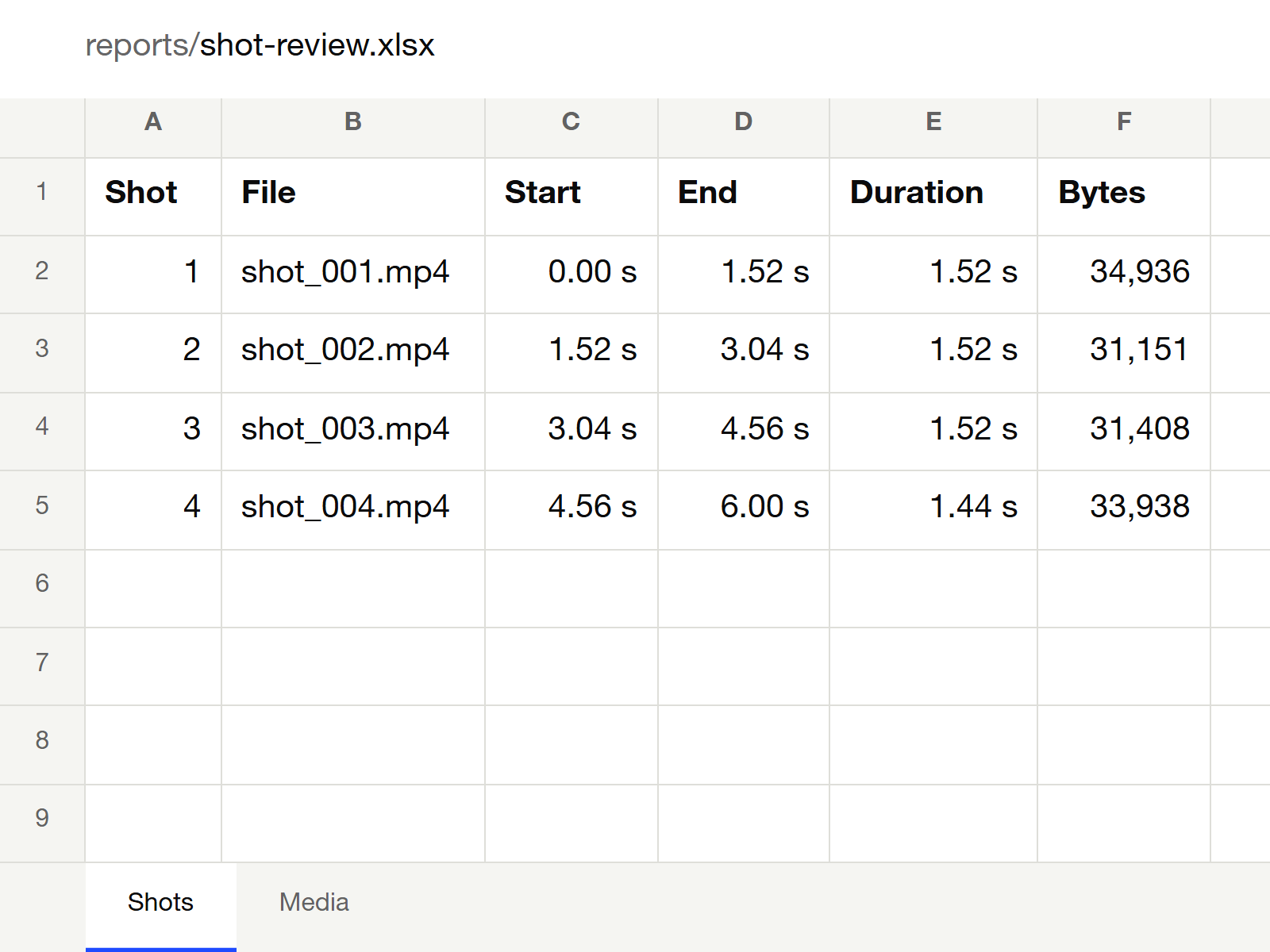
Open the workbook and compare sheet names, row counts, and cell values.
About
Builds an .xlsx file from structured rows. Each sheet can have a header row, column widths and number formats (for example thousands separators or two decimals). Numbers stay numbers and text stays text, so the workbook sorts and sums correctly.
The file opens in Excel, Numbers, LibreOffice and Google Sheets. Writing it needs no office software.
Use it to turn a list into something people can filter: an inventory, a shot list, an export of results.
- TypeScript
- Office Open XML
What’s included
- A code package you install in your own project, version 0.1.0.
- Use it through a module in your own code, the command line or the Vibefield MCP connection.